

How to
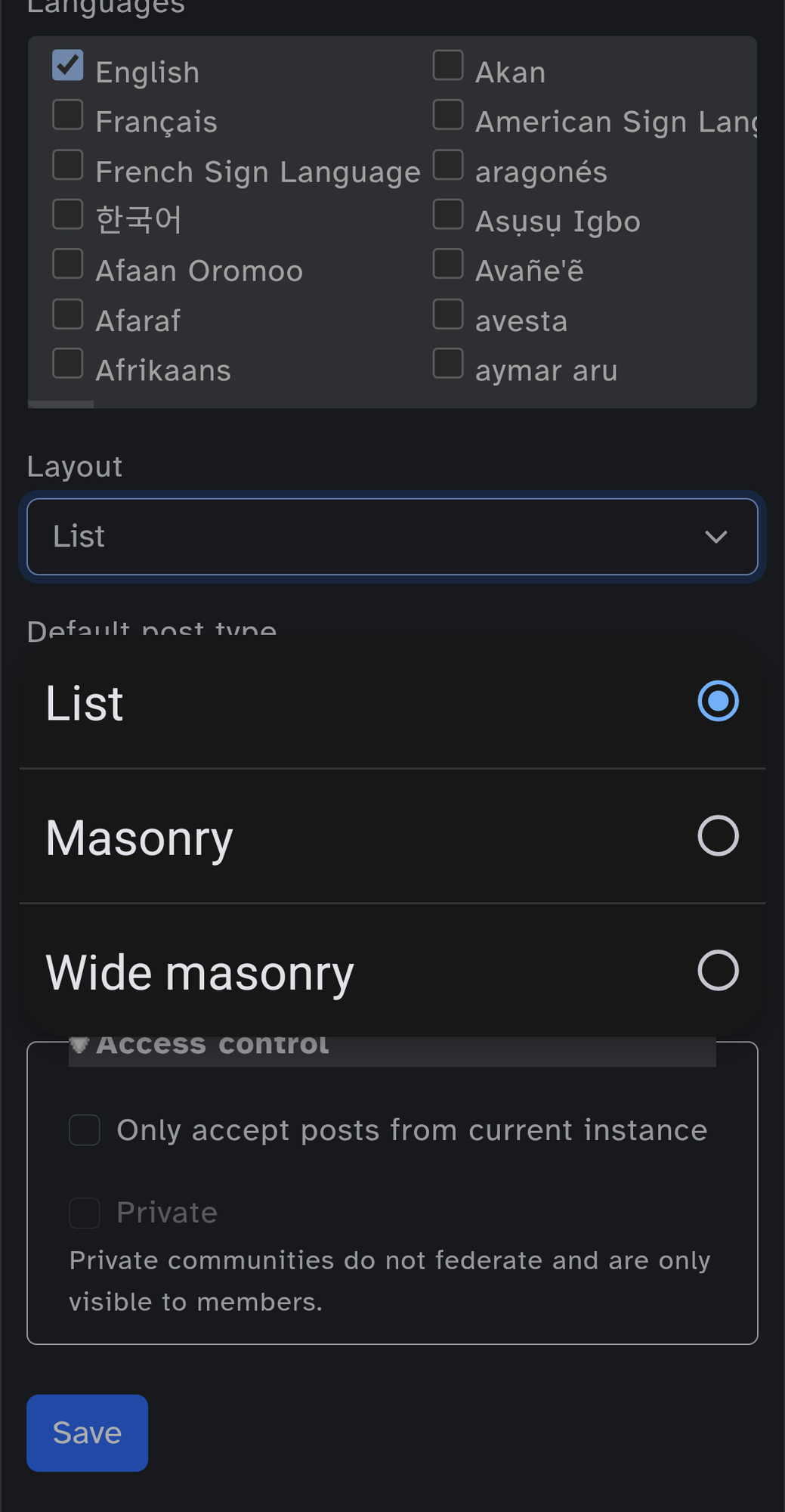
Here are the step to change the default layout of your picture/video community :
- go to your community’s settings
- scroll down until you arrive to the language box
- click on layout
- pick masonry or wide masonry
- once done, don’t forget to save
Here are the step to change the default layout of your picture/video community :
User can change the community layout but i dunno if it is saved.
It’s not. But it would be good if it could be done by the feed creator, if the feed is for image or video communities.
@Skavau@piefed.social it may interest you :)