
2·
8 days agoWhat about bards that woo young maiden?

If you like what I do, send me some Monero:
87ZN8URUY1M6GoXpxou4siDKJkLbLKDhT2RScrauzd4gbRyKgoY2ZX3Ut9WuMtkWebisViSE9EVRzVA1SD4kMdtAUPMiZBC
What about bards that woo young maiden?
Those things arent very loud lol
EU too. The rules seem pretty good actually and I think they might actually improve safety. On my bike tbh I use noise to check if there are cars all the time. Never had many issues tho, but most cars are not electric
Name 3 other constant sound sources. Construction does not count.
Wait, that is an artificially created sound??

I like the idea but why do they have to make these cars look so weird all the time, instead of literally just the same?
It is kinda matte, lower details, no ornaments etc.
Also with the bumper, window frames, lights and rims it looks like a damn toy. Ugly af

Favourite, for beginners or for people who wanna learn?
That would be nixos, fedora kinoite (ublue main image) or anything you build up yourself a bit like debian or arch maybe

Nice, that works? Fantastic!
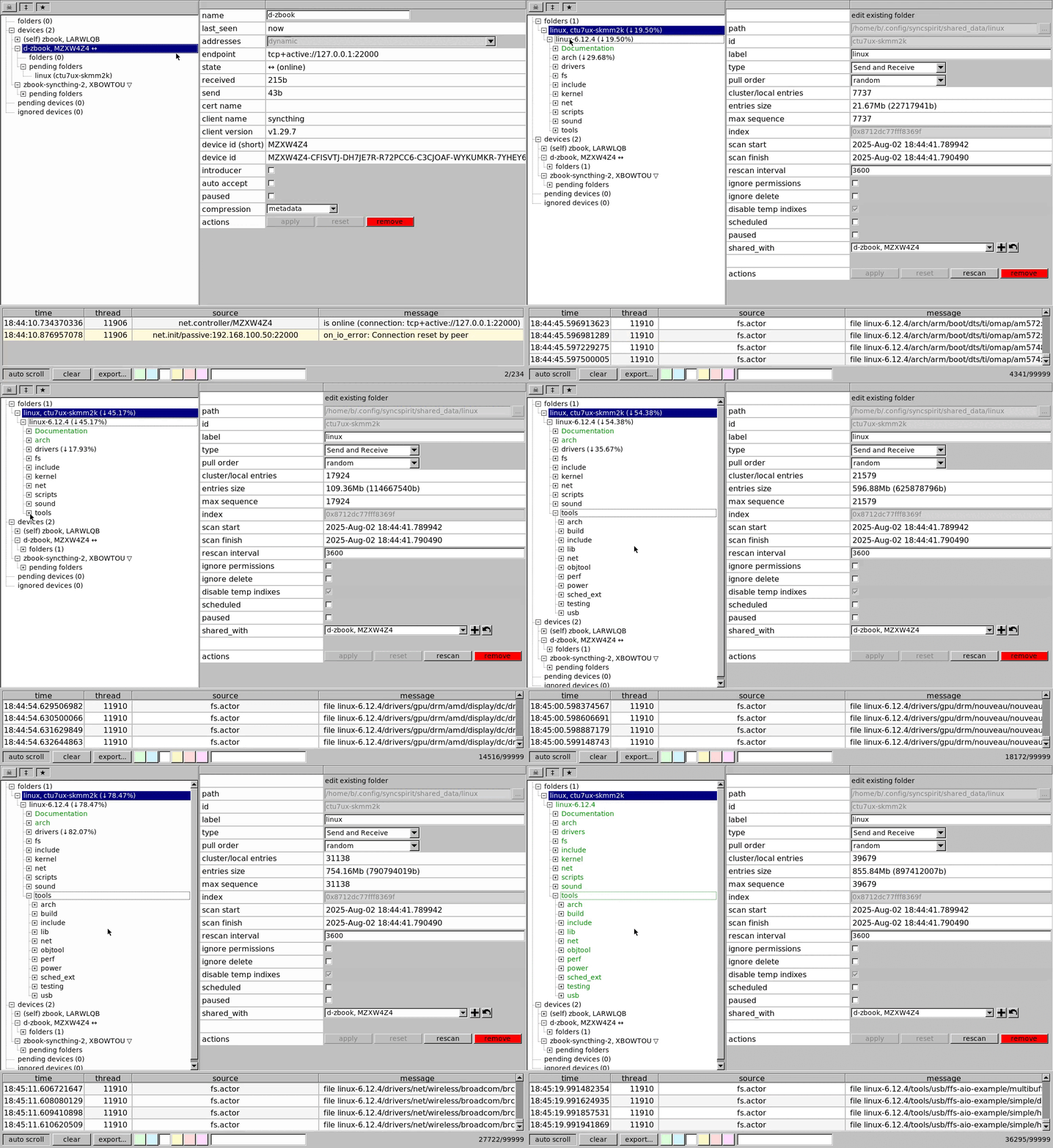
Note, MakeMKV for Linux has source code available at least, so not fully proprietary.
Could you make a tutorial post on the exact setup? For NixOS at least VLC itself needs patching
How so?

Das ist zu deutsch für mich gerade

Haste ein anderes Beispiel?
At least it is the only software project so not technically a dupe

And the crazy part is nobody seems to have listened to the talk?
Yes there was some ambiguity, but AI was always an additional tool, and the focus was
Also dont forget that this was an idea to play around with, not “we want KDE to only be this now”
That is… not a good name lol
https://de.m.wikipedia.org/wiki/Nura_(Rapperin)
Will be a fun one on dupes


















Yeah bikes are less dangerous, not as fast, more control, better view, more maneuverable.