Skip Navigation

InitialsDiceBearhttps://github.com/dicebear/dicebearhttps://creativecommons.org/publicdomain/zero/1.0/„Initials” (https://github.com/dicebear/dicebear) by „DiceBear”, licensed under „CC0 1.0” (https://creativecommons.org/publicdomain/zero/1.0/)H
Posts
16
Comments
148
Joined
2 yr. ago

  • The not respecting light/dark mode would ruin it for me. I can see how in the future it'll be a very worthwhile DE though, thanks for sharing your experience

  • Interesting, thanks, I'll try it at some stage

  • Anybody tried out cosmic and know how it compares to other DEs? More of a tiling WM guy myself but interested cause I heard it's mostly written in Rust

  • Ffs

  • Yah was gonna say this is usually my path, new game is when life is going better

  • Localhost link, oof

  • From the readme:

    LanguageTool is great, if you have gigabytes of RAM to spare and are willing to download the ~16GB n-gram dataset. Besides the memory requirements, I found LanguageTool too slow: it would take several seconds to lint even a moderate-size document.

    Seems interesting, even if it's still early in development. I'll certainly be trying out the language server in my neovim setup anyway.

  • First 5?

  • It is. Just don't look up what that means 🙏

  • I'm afraid your life can only be made worse by understanding the joke here

  • Ah, ya got me

  • Lemmy Shitpost @lemmy.world

    NOOO STOP, DON'T SHORTEN CHYNEL PHELAN

  • Thanks

  • Do we know when season 2 is out?

  • If that's the vkBasalt.conf file, sure, here it is, though I probably stole this from somewhere else online and most of it seems to be commented out:

     
            #effects is a colon separated list of effect to use
        #e.g.: effects = fxaa:cas
        #effects will be run in order from left to right
        #one effect can be run multiple times e.g. smaa:smaa:cas
        #cas    - Contrast Adaptive Sharpening
        #dls    - Denoised Luma Sharpening
        #fxaa   - Fast Approximate Anti-Aliasing
        #smaa   - Enhanced Subpixel Morphological Antialiasing
        #lut    - Color LookUp Table
        effects = cas:clarity:curves:multilut:dls:smaa:fxaa
    
        clarity = "/opt/reshade/shaders/Clarity.fx"
        curves = "/opt/reshade/shaders/Curves.fx"
        multilut = "/opt/reshade/shaders/MultiLUT.fx"
        bloom = "/opt/reshade/shaders/Bloom.fx"
         
        reshadeTexturePath = "/opt/reshade/textures"
        reshadeIncludePath = "/opt/reshade/shaders/"
        depthCapture = off
         
        #toggleKey toggles the effects on/off
        toggleKey = Home
         
        #Clarity.fx
        ClarityBlendIfDark=50
        ClarityBlendIfLight=205
        ClarityBlendMode=2
        ClarityDarkIntensity=0.400000
        ClarityLightIntensity=0.000000
        ClarityOffset=2.000000
        ClarityRadius=3
        ClarityStrength=0.600000
        ClarityViewBlendIfMask=0
        ClarityViewMask=0
         
        #Curves.fx
        Contrast=0.100000
        Formula=4
        Mode=0
         
        #MultiLUT
        fLUT_AmountChroma=0.750000
        fLUT_AmountLuma=0.750000
        fLUT_LutSelector=1
         
        #casSharpness specifies the amount of sharpning in the CAS shader.
        #0.0 less sharp, less artefacts, but not off
        #1.0 maximum sharp more artefacts
        #Everything in between is possible
        #negative values sharpen even less, up to -1.0 make a visible difference
        casSharpness = 0.8
         
        #dlsSharpness specifies the amount of sharpening in the Denoised Luma Sharpening shader.
        #Increase to sharpen details within the image.
        #0.0 less sharp, less artefacts, but not off
        #1.0 maximum sharp more artefacts
        dlsSharpness = 1.0
         
        #dlsDenoise specifies the amount of denoising in the Denoised Luma Sharpening shader.
        #Increase to limit how intensely film grain within the image gets sharpened.
        #0.0 min
        #1.0 max
        dlsDenoise = 0.17
         
        #fxaaQualitySubpix can effect sharpness.
        #1.00 - upper limit (softer)
        #0.75 - default amount of filtering
        #0.50 - lower limit (sharper, less sub-pixel aliasing removal)
        #0.25 - almost off
        #0.00 - completely off
        fxaaQualitySubpix = 0.75
         
        #fxaaQualityEdgeThreshold is the minimum amount of local contrast required to apply algorithm.
        #0.333 - too little (faster)
        #0.250 - low quality
        #0.166 - default
        #0.125 - high quality 
        #0.063 - overkill (slower)
        #fxaaQualityEdgeThreshold = 0.125
         
        #fxaaQualityEdgeThresholdMin trims the algorithm from processing darks.
        #0.0833 - upper limit (default, the start of visible unfiltered edges)
        #0.0625 - high quality (faster)
        #0.0312 - visible limit (slower)
        #Special notes: due to the current implementation you
        #Likely want to set this to zero.
        #As colors that are mostly not-green
        #will appear very dark in the green channel!
        #Tune by looking at mostly non-green content,
        #then start at zero and increase until aliasing is a problem.
        #fxaaQualityEdgeThresholdMin = 0.0312
         
        #smaaEdgeDetection changes the edge detection shader
        #luma  - default
        #color - might catch more edges, but is more expensive
        #smaaEdgeDetection = luma
         
        #smaaThreshold specifies the threshold or sensitivity to edges
        #Lowering this value you will be able to detect more edges at the expense of performance.
        #Range: [0, 0.5]
        #0.1 is a reasonable value, and allows to catch most visible edges.
        #0.05 is a rather overkill value, that allows to catch 'em all.
        #smaaThreshold = 0.1
         
        #smaaMaxSearchSteps specifies the maximum steps performed in the horizontal/vertical pattern searches
        #Range: [0, 112]
        #4  - low
        #8  - medium
        #16 - high
        #32 - ultra
        #smaaMaxSearchSteps = 32
         
        #smaaMaxSearchStepsDiag specifies the maximum steps performed in the diagonal pattern searches
        #Range: [0, 20]
        #0  - low, medium
        #8  - high
        #16 - ultra
        #smaaMaxSearchStepsDiag = 16
         
        #smaaCornerRounding specifies how much sharp corners will be rounded
        #Range: [0, 100]
        #25 is a reasonable value
        #smaaCornerRounding = 25
      
  • Thanks to the community 🙏

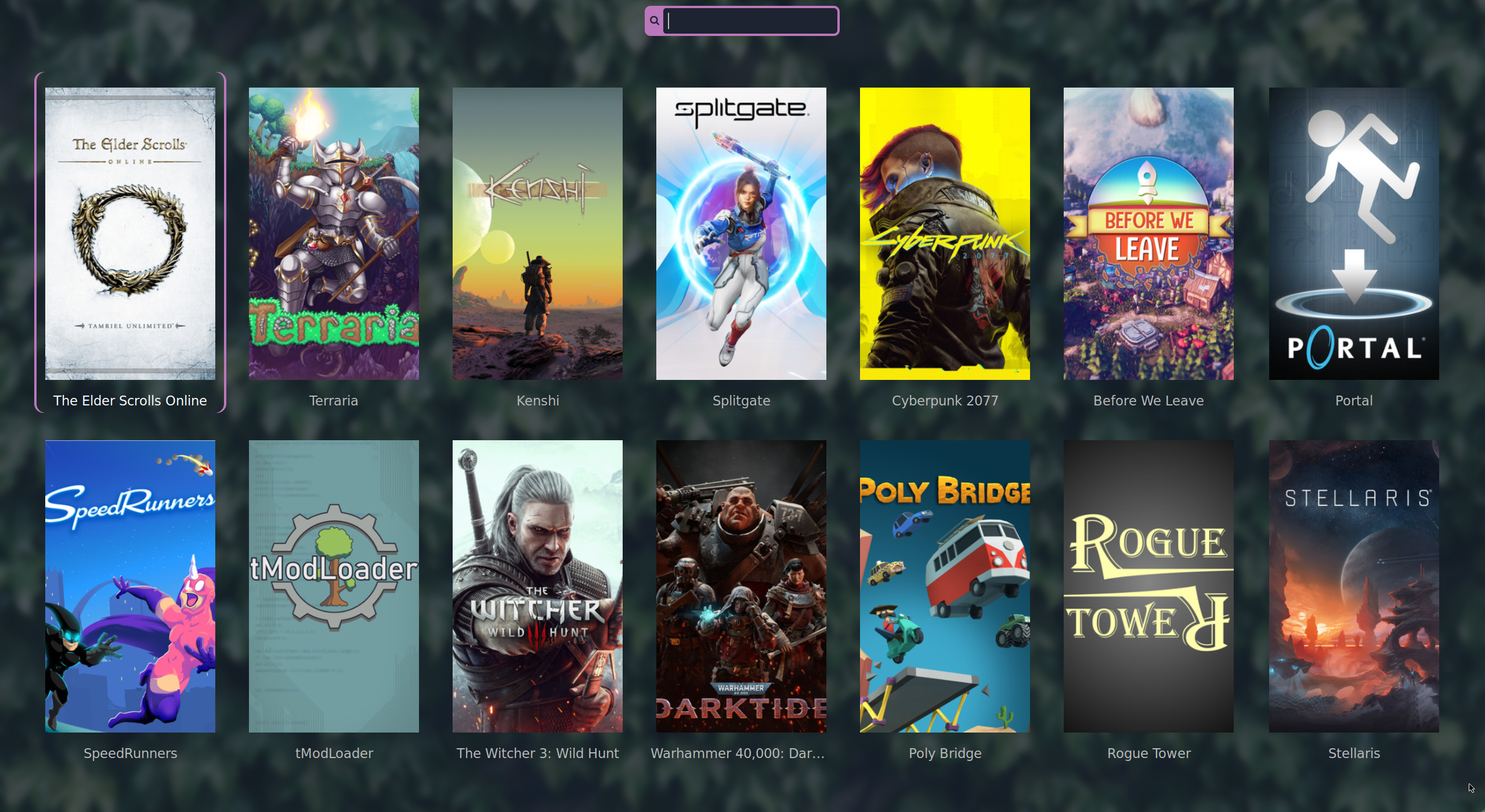
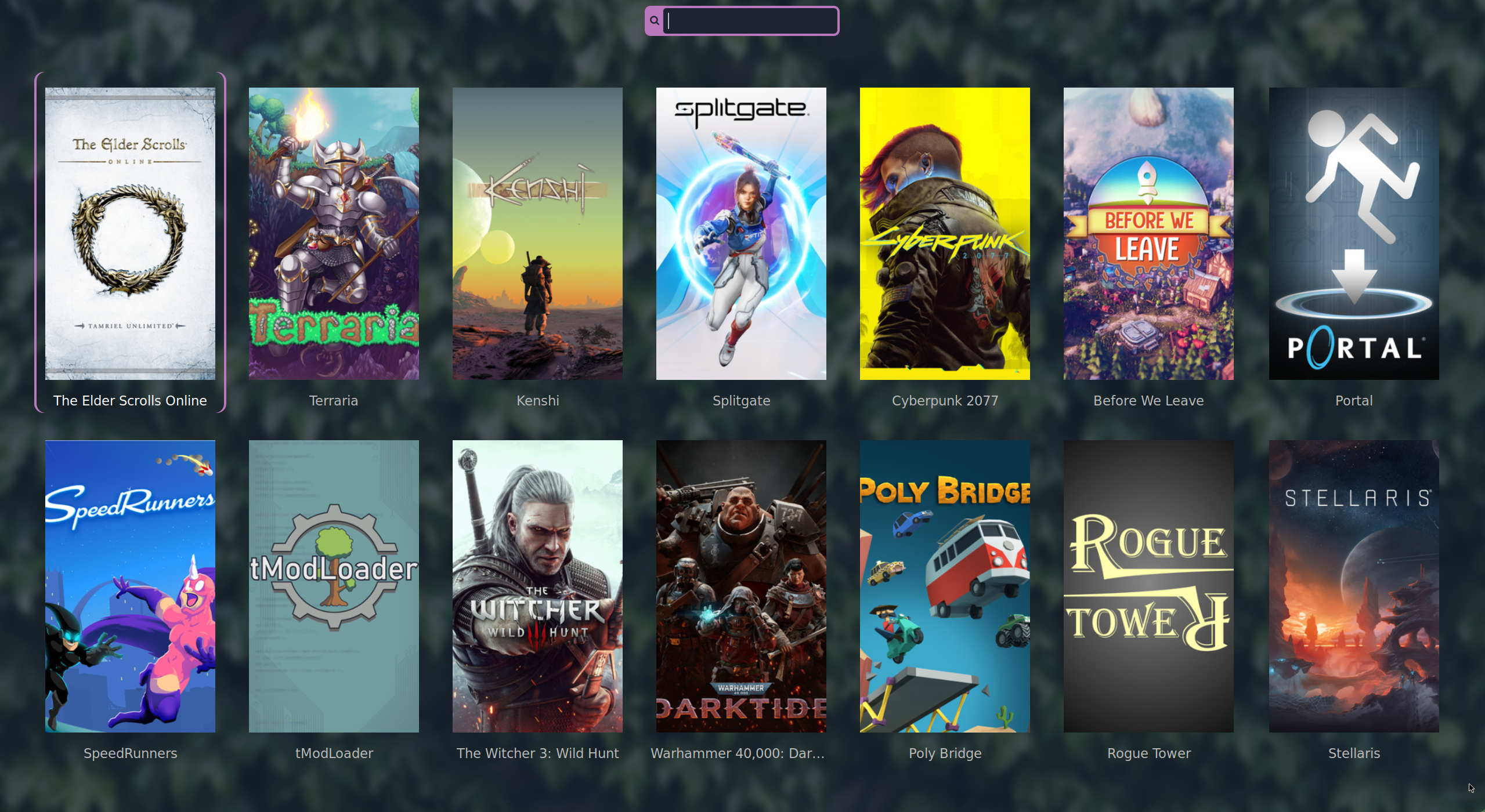
  • rofi-games for launching games since I made it!

    Most other things have been suggested already, but I will mention Prism Launcher as my preferred modded Minecraft instance manager. Oh, and vkbasalt was essential for making Kenshi look good but I haven't used it for any other games.

  • Thanks, hadn't heard of that one before, I'll check it out

  • Thanks yeah. I think the coolest place this could go is something that aggregates health related data from different sources, only problem is that gadgetbridge stuff is the only source I personally have. So maybe like other people suggested it's better off as a home assistant plugin or something like that for now but I'm not sure

  • Thanks, interesting read

  • Selfhosted @lemmy.world

    Gadgetbridge data dashboard

  • Programming @programming.dev

    CV/Resume generation?

  • Linux Gaming @lemmy.world

    GitHub - Rolv-Apneseth/rgd: Installed game detection utility for Linux

  • Buy it for Life @slrpnk.net

    Men's clothes in Europe

  • Rust @programming.dev

    GitHub - Rolv-Apneseth/clipvault: Clipboard history manager for Wayland, inspired by cliphist

    github.com /Rolv-Apneseth/clipvault
  • Rust @programming.dev

    github.com /Rolv-Apneseth/omaro
  • Open Source @lemmy.ml

  • Games @lemmy.world

    This new game Jump Ship looks interesting

  • Linux Gaming @lemmy.ml

    GitHub - Rolv-Apneseth/rofi-games: A rofi plugin which adds a mode that will list available games for launch along with their box art

  • Unixporn @lemmy.ml

    GitHub - Rolv-Apneseth/rofi-games: A rofi plugin which adds a mode that will list available games for launch along with their box art

  • Programmer Humor @programming.dev

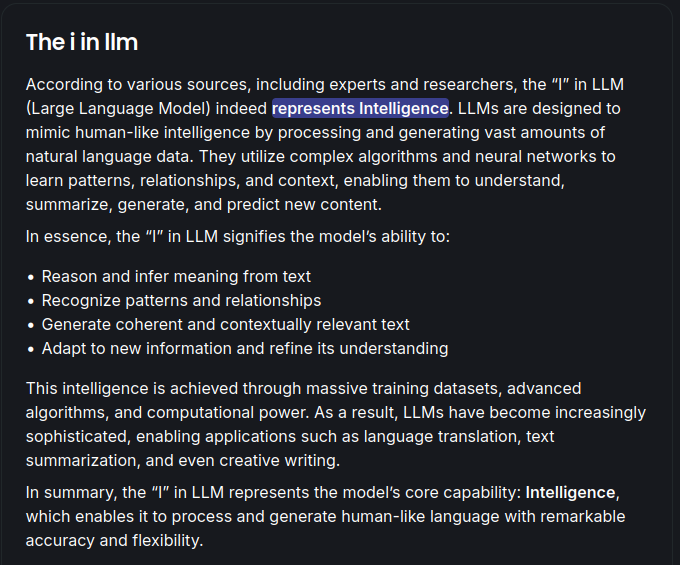
    Ah yes, the I in LLM

  • Neovim @programming.dev

    GitHub - felpafel/inlay-hint.nvim: Neovim Lua plugin that overrides vim.lsp.inlay_hint just to fill my desire to edit inlay hints.

    github.com /felpafel/inlay-hint.nvim
  • Neovim @programming.dev

    Help with native inlay hints

  • unixporn @lemmy.world

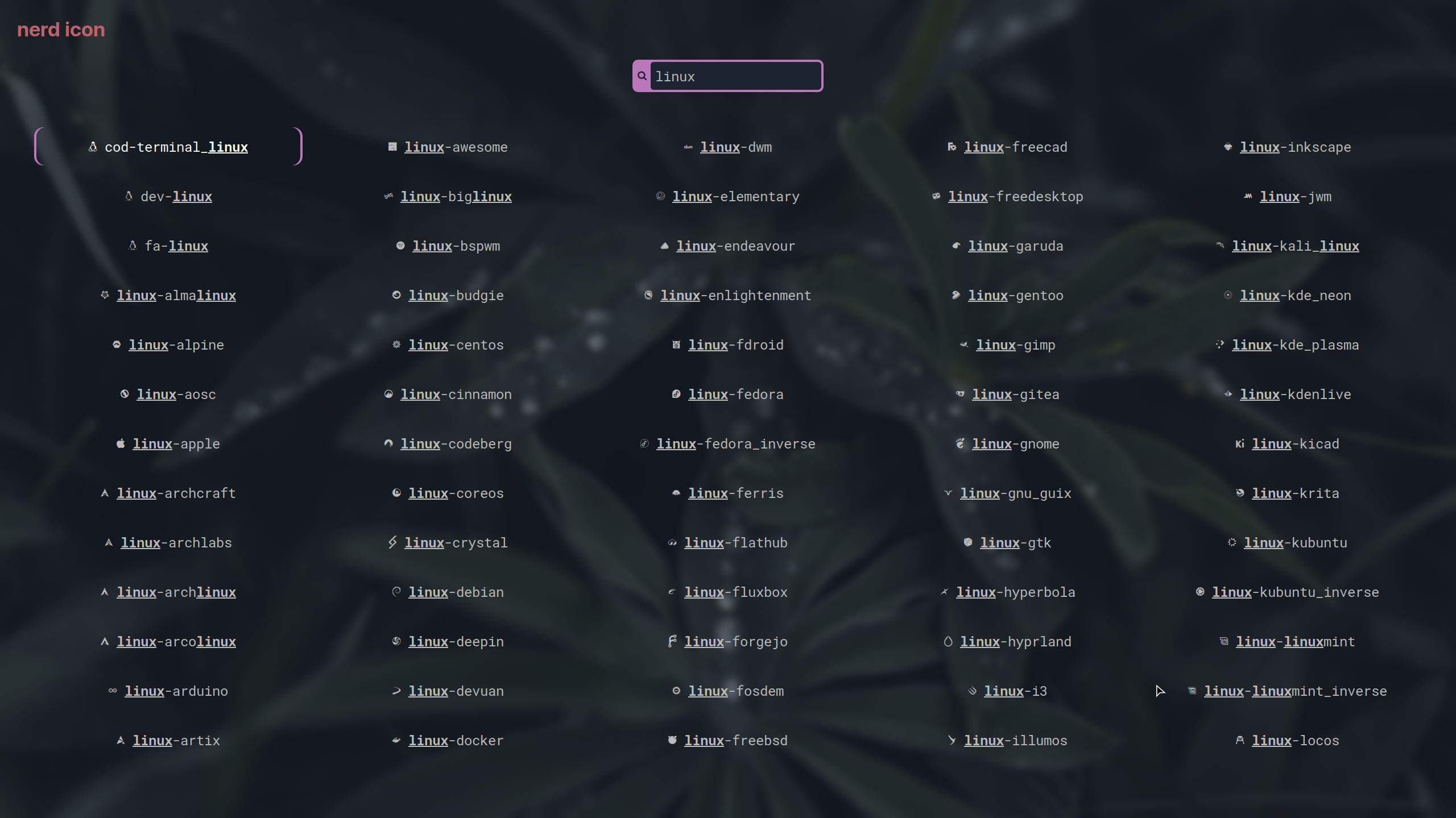
    Nerd font icon selector plugin for rofi

  • Neovim @programming.dev

    First plugin - Neovim integration for multiple terminal file managers

    github.com /Rolv-Apneseth/tfm.nvim